
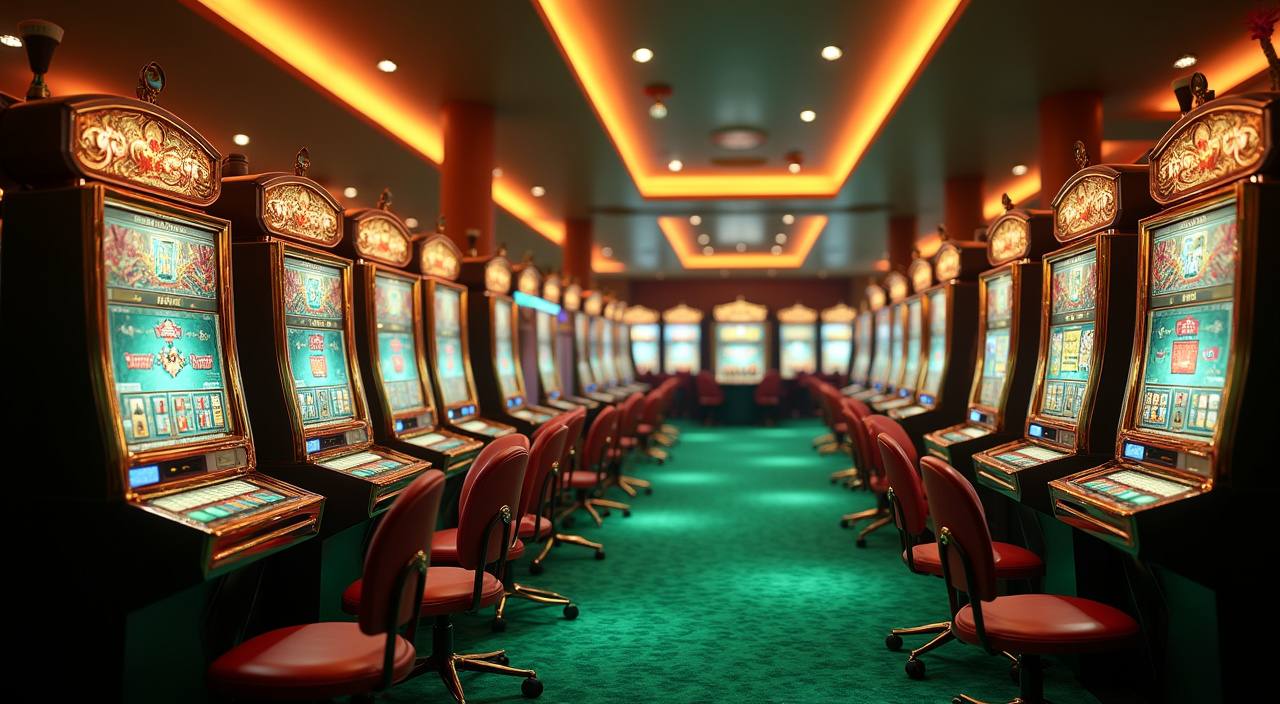
Lobby
Game categories
Start with the category tiles if you want slots, live tables, fishing rooms or sportsbook access.
bejohoki brings Auto Roulette, Wolf Gold, Aviator and Royal Fishing into one home screen, with account access where local law permits.
Access is available only where local law permits.
Casino tables and slots sit close together on the home page so you can switch from Auto Roulette to Wolf Gold or Aviator without rebuilding your session.

You will find slots, live casino rooms, table games, fishing rooms and sportsbook access arranged from one visual lobby.
We carry familiar studios such as Pragmatic Play, PG Soft and Habanero, then place their rooms where Indonesia customers can find them quickly.
Local rails matter when you want the home screen to move from registration to lobby use without friction.
A useful home page should point you to the places that affect your account. We keep game access, cashier status, promotions, rules and help links near the main navigation so you can…



Your first stop is the account bar at the home screen, not a hidden menu.
Your phone gives you the quickest route to the home page: open the browser, log in, then use the lower menu for lobby, cashier and support.

Safety starts before you enter a room. We use secure account forms, session checks and wallet verification to reduce wrong-account activity.
Buttons, cashier access and category tiles are sized for phone screens first. On a larger screen, the same account tools remain visible in the header area.
Password fields, recovery checks and session timeouts help protect your login. Change your password if you used a shared phone or public connection.
Payout requests are matched against your registered account details before processing. This helps reduce mistakes when names or wallet numbers are entered incorrectly.
Provider rooms display their own game rules, round history or table details where available. Check those panels before you commit balance to a category.
A single home page saves you from chasing links, screenshots or chat-only instructions.
| Clear entry | The home page starts with login, category tiles and wallet access. You do not need to search separate messages to find the next account action. |
|---|---|
| Same account | Your profile, balance and records remain tied to one username. Switching game categories does not require another registration path or new wallet setup. |
| Visible rules | Rules and offer terms are linked near the places you use them. That makes it easier to check conditions before entering a room. |
| Local rails | DANA, OVO, GoPay and QRIS appear inside the cashier panel. You can compare available wallet routes without leaving the account area. |
| Support trail | When you contact us, transaction records and account details help the team trace the issue. This is cleaner than explaining from scattered screenshots. |
| Device continuity | Phone, tablet and larger screen views share the same account menu. You can start on mobile and continue later with the same wallet record. |
Different rooms behave differently, so we separate categories on the home screen instead of mixing every title into one wall.
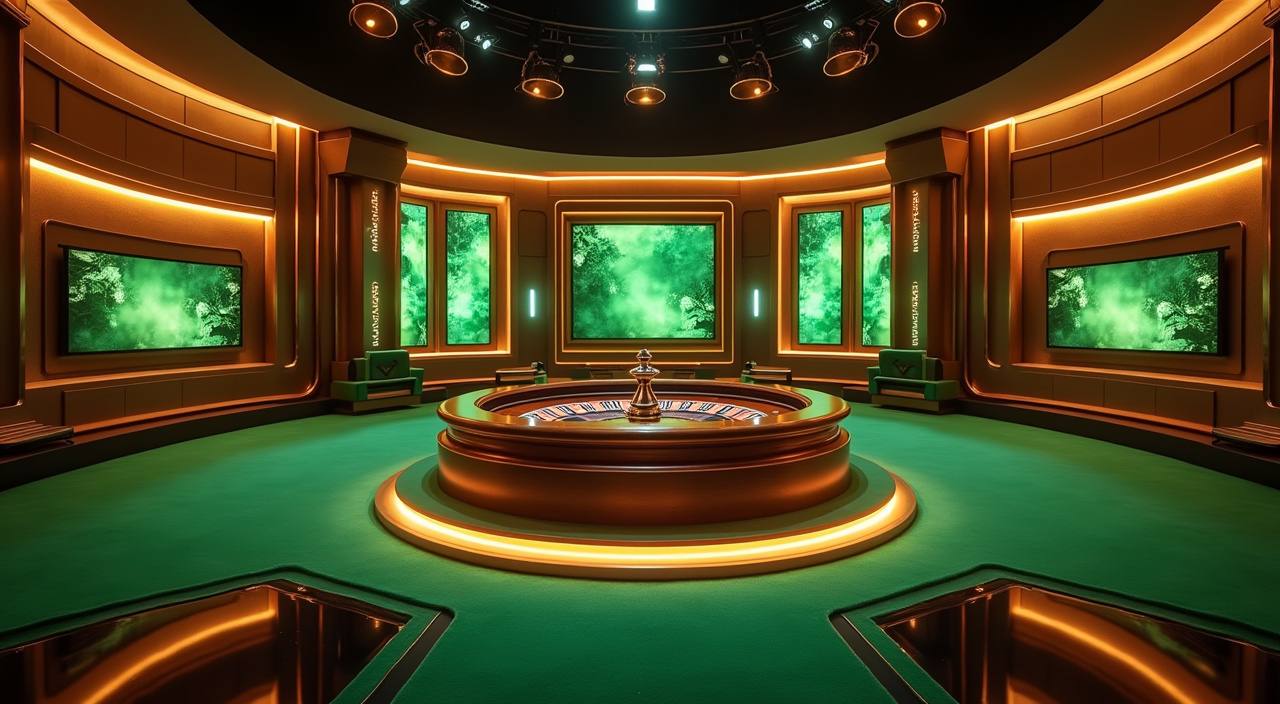
Slot rooms such as Wolf Gold and Mahjong Ways use provider rules shown inside the game…
Live tables such as Auto Roulette depend on streamed dealer rounds and table-specific limits.
Aviator runs on fast round timing, so confirm your stake and auto settings before the round…
Royal Fishing uses arcade-style rounds with different target values.
Sports markets can change as odds move. Confirm selection, stake and market status before submitting any…
RTP percentages are informational reference values from provider documentation. Actual session outcomes vary.
We shape the home page for Indonesia, with local wallet names, WIB support hours and short paths from account creation to the lobby. Access to specific products depends on local law, so the home page keeps category labels clear before you enter. If your connection changes between cities or networks, log in again and check the account bar before opening a game room.
Our home page is built around visible, practical markers rather than loud claims.
Slots, live casino, fishing rooms and sportsbook access appear as clear tiles. Each tile tells you where it leads before you open a room.
DANA, OVO, GoPay and QRIS are displayed as local choices in the cashier. Pick the rail that matches your active wallet app.
The header keeps login, balance and menu access in view. This helps you check status before moving between games or support.
Current account offers sit in one area with terms nearby. We avoid hiding key conditions behind unrelated game pages.
Studio names such as PG Soft and Pragmatic Play appear near their rooms. This helps you recognise titles before opening them.
The help route is visible from the main screen and phone menu. Use it when login, wallet or game access needs a quick check.
These are the home page questions we answer most often through chat and email. They focus on account access, wallet routes, games, support and device use so you can decide what to do next without searching around the site.
Start at the header: login or create your account, then check the wallet panel before entering a category.
Open the account form, enter your phone number and choose a password. Confirm the details carefully because they connect to wallet checks later.
Choose DANA, OVO, GoPay or QRIS from the cashier panel. Keep the transaction reference until your account balance updates.
Pick a category tile and read the room rules before starting. Game controls differ between slots, tables, fishing rooms and fast rounds.
Use account history for wallet requests and recent activity. If a record looks wrong, contact support with the time and reference.